Register with pok999 in a Few Simple Steps
Creating a pok999 account takes minutes — enter your details, verify your mobile number, and your wallet is ready to receive a bKash, Nagad, or Rocket deposit. Access is subject to your local law and eligible regions.
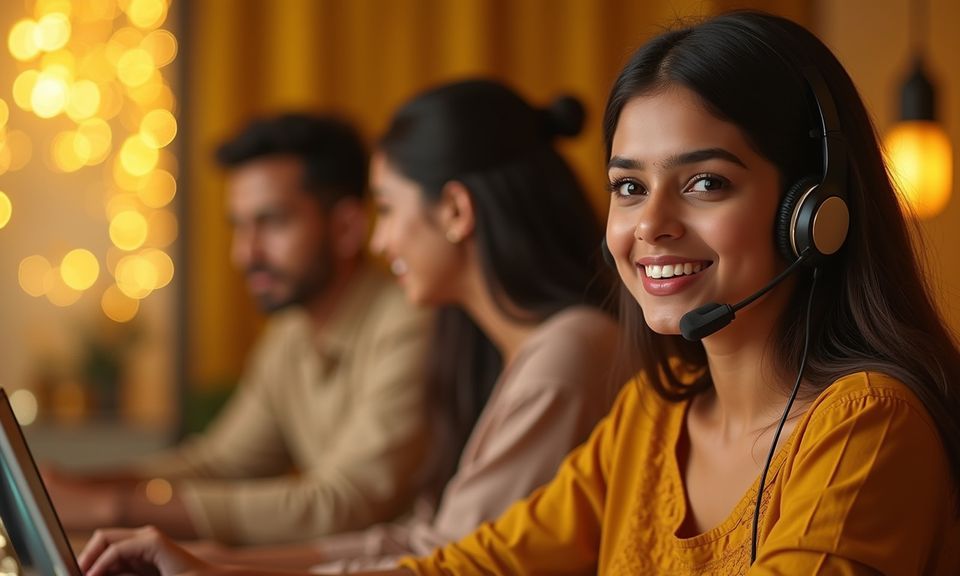
Account Help When You Need It
Registration questions are common — OTPs that arrive late, form fields that need clarification, or a deposit that has not yet matched your account. Our support channels are built to resolve these quickly. Reach us through live chat from the registration or login page, or use the help email for anything that needs a written record. We aim to respond to account-access queries before anything else.
Local Payments That Work After You Register
Once your account is active, the cashier shows bKash, Nagad, and Rocket as the primary deposit paths. Open your chosen wallet app, send to the account number displayed in the cashier, confirm with your PIN, and the balance appears in your pok999 account. Players in Dhaka and across Bangladesh use these same wallet apps every day, so there is no learning curve. Withdrawals follow the same wallet route — request from your account, confirm identity if prompted, and the funds move to your wallet. Availability depends on your location and eligible regions.
bKash
Send directly from your bKash app to the cashier number shown. Confirm with your bKash PIN and the deposit reflects in your account balance immediately.
Nagad
Open Nagad, enter the merchant number from the cashier, approve with your Nagad PIN. Deposits and withdrawals both run through the same Nagad wallet flow.
Rocket
Rocket users follow the standard send-money path in the Rocket app. Enter the reference shown in the cashier to make sure the transfer is matched to your account.
How We Protect Your Account and Data
Account security starts at the registration step and continues through every session. We apply SSL encryption across all account pages so your personal details and wallet references are protected in transit. Identity verification at the withdrawal stage means only you can move funds out of your account. We do not share your registered mobile number or payment details with third parties. Access to this platform depends on your local law and the eligible regions we serve.
SSL Encryption
All data you submit during registration — name, mobile number, password — travels over an SSL-secured connection. Nothing moves in plain text between your device and our servers.
OTP-Based Identity Check
Your mobile number is verified by OTP at registration and again during account recovery. This step blocks anyone else from creating or accessing an account in your name.
Withdrawal Verification
Before any withdrawal is processed, we confirm account ownership. This prevents unauthorised fund movement even if a session is compromised on a shared device.
Data Protection Practice
We hold only the data needed to run your account. Your bKash, Nagad, or Rocket wallet credentials stay inside your own wallet app — we never request or store your PIN.
What to Expect When You Register
The registration form asks for your mobile number, a password you choose, and a display name. Once you submit, an OTP is sent to your number — enter that code to confirm ownership of the account. After confirmation, your account dashboard opens and you can head straight to the cashier to link your preferred wallet.
We do not store your bKash or Nagad PIN; you authorise each transaction inside your own wallet app. If you need to update your contact details later, the account settings page handles that without requiring you to contact support. Keep your registered mobile number active — it is the main path for account recovery if
you ever lose access.
-
OTP Verification A one-time code is sent to your mobile number at registration. Entering it confirms your account and keeps access secure from the start.
-
Wallet-Ready Dashboard Your account dashboard shows the cashier, game lobby and account settings in one view. No extra navigation steps before you can fund and play.
-
Account Recovery Path Lost access? The recovery flow uses your registered mobile number and a fresh OTP. Keep that number active and recovery is straightforward.
-
Live Support on Hand If the registration form throws an error or your OTP does not arrive, our support team is reachable via live chat directly from the registration page.
Account
The registration form asks for your mobile number, a password you choose, and a display name. Once you submit, an OTP is sent to your number — enter that code to confirm ownership of the account. After confirmation, your account dashboard opens and you can head straight to the cashier to link your preferred wallet. We do not store your bKash or Nagad PIN; you authorise each transaction inside your own wallet app. If you need to update your contact details later, the account settings page handles that without requiring you to contact support. Keep your registered mobile number active — it is the main path for account recovery if you ever lose access.
Explore the LobbyYour details are encrypted for secure account access.
Common Questions About Registering at pok999
These are the questions we see most often from people completing their first registration. If yours is not answered here, live chat on the registration page is the quickest path to a direct answer.
Register
Service availability depends on eligible regions and local law. Users should check local rules before opening an account.
Access may be available only where local law permits.